Releases2 min read
Agent Notch 2.3.0: a new notch panel
A new panel that grows out of the notch, one-line notifications, a warning before a plan runs out, and Settings with three panes.
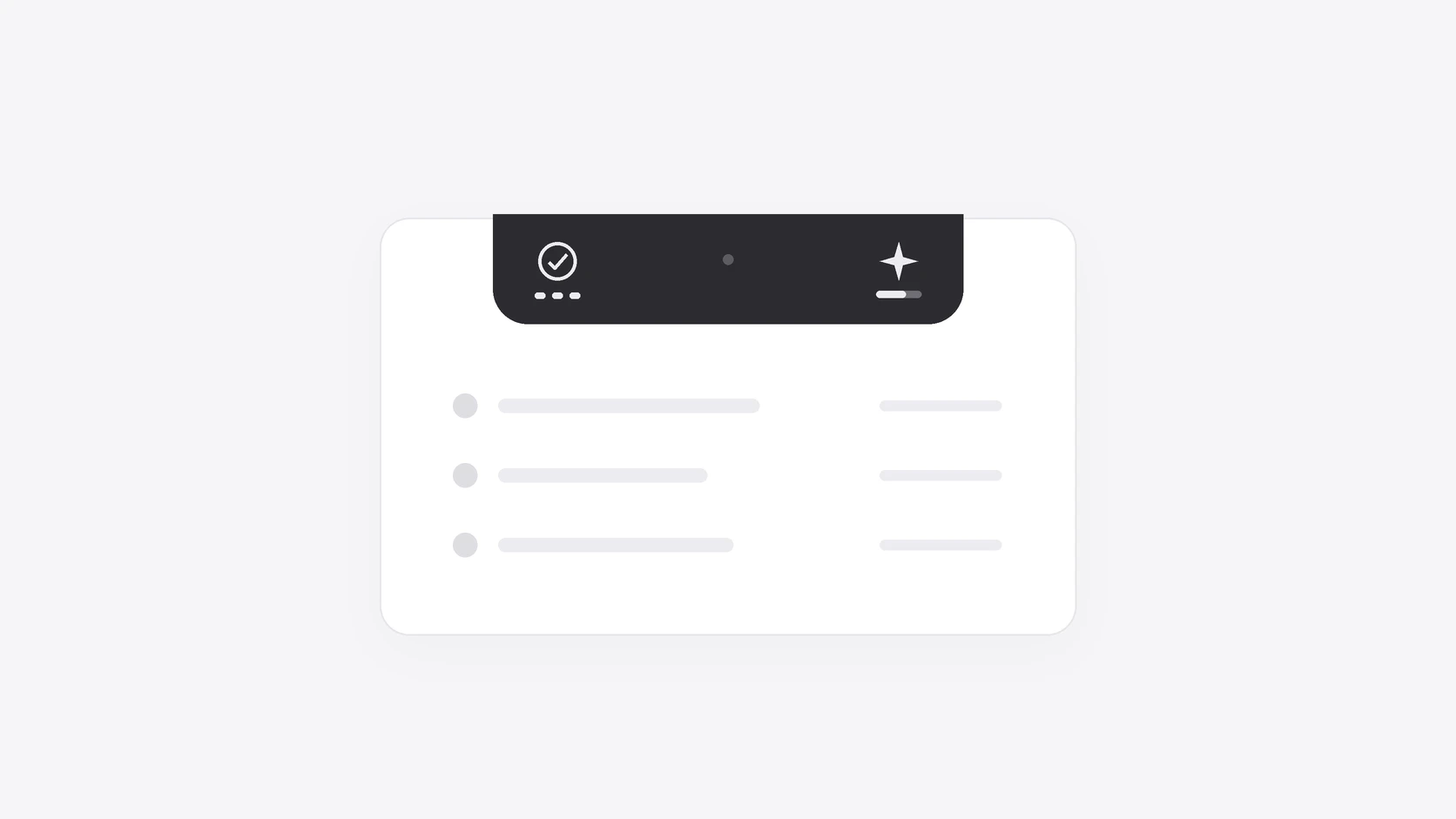
Agent Notch 2.3.0 has a new notch panel. One black shape grows out of the notch. Each agent is one row with a round mark: coral when it needs you, green when it works, a white check when it finished.
The closed notch counts your agents. The left side shows how many agents work. The right side shows what waits for you.
A notification is one line under the notch. An approval shows the command, with Deny and Approve beside it. If more agents need you at one time, their notifications stack. When you move the pointer to a notification, it becomes the panel, and its row stays where it is.
Plan Usage is easier to read. Each limit has a label, a bar and a percent. Click Used or Left to change what the percent shows. Agent Notch tells you when a plan has 10% or less left. If a plan has no reading, one line says why, and a click opens the fix. You can sign in to Cursor in Settings to show Cursor plan usage.
The app is simpler. Settings has three panes: General, Agents and About. Setup has three short pages. The panel has one black look, so the Appearance options are removed. There is also a new app icon.
This update fixes a new Cursor chat that had no row for its first minutes. It also fixes agent rows that disappeared while the panel was open.
Update from Agent Notch's menu, or download Agent Notch. See the changelog for the full list.