AgentNotch + LM Studio
A local model can think for minutes with nothing on screen. AgentNotch puts LM Studio in the menu bar, so you see the turn running and you see it land, without keeping the window in front of you.
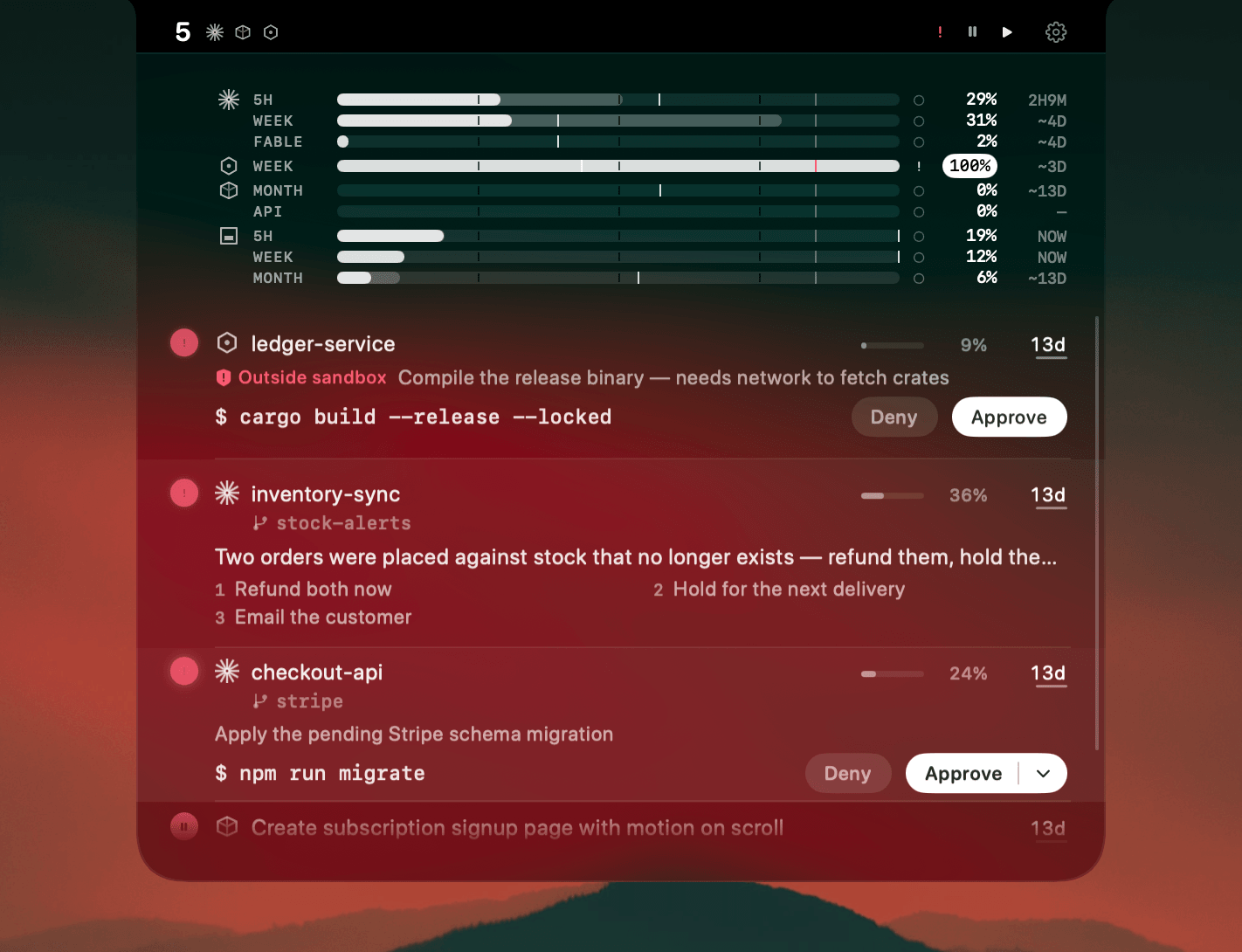
A local model is the one agent that really does take minutes. You send a prompt, the fans spin up, and the answer arrives whenever it arrives. So you keep the window in front of you, doing nothing, because the alternative is checking it every thirty seconds.
LM Studio is not a coding harness. It has no folder, no tools and no permission prompts. It has the one thing the notch exists for: a turn you cannot see the end of.
Where AgentNotch fits
LM Studio gets rows in the same list as your agents. A row says working while the reply streams, and lights up when it lands. The model's name is on the row, and so is how full the context is.
Two surfaces, two kinds of row. The chat window you type into is one. The local server on your Mac is the other — so an editor, a script or another agent pointed at your local model is just as visible as a chat you started by hand.
Working and done, and nothing else
There is nothing to approve here, and no plan to meter, so the row does not pretend otherwise. It reports the turn. That is the whole job.
Click a row and LM Studio comes to the front, on the conversation you had open.
It only reads
AgentNotch never talks to LM Studio. It reads the files LM Studio already writes while it works, which is also why it costs you nothing while a model is loaded and busy.
30-second setup
Download AgentNotch, drag it to Applications, open it. LM Studio rows are on from the start, and the switch to turn them off is in Settings. Free for 3 days, no card.
Side by side
| In LM Studio | In AgentNotch | |
|---|---|---|
| A turn in progress | Tokens land in the window, if the window is in front. | A row that says working, wherever you are. |
| A turn that finished | You look and find out. | The row lights up the second the reply lands. |
| The local server | A log you would have to watch. | Its own row, next to your chats. |
| Which model | In the window. | On the row, with how full the context is. |
| Getting back to it | Find the window. | Click the row. LM Studio comes forward. |
Questions
- Does AgentNotch work with LM Studio?
- Yes. AgentNotch shows LM Studio turns in the menu bar on macOS: the chat window you type into, and the local server other tools drive.
- Why does a local model need a menu-bar app?
- Because the turn is slow and silent. A model on your own GPU can run for minutes, and once the window is behind something else there is nothing to tell you it finished. That is the whole reason for the row.
- Does it watch the local server too?
- Yes. Anything pointed at the OpenAI-compatible endpoint gets a row of its own, so a script or an editor driving your local model is as visible as a chat.
- Do I have to turn it on?
- No. LM Studio rows are on by default, and the switch appears in Settings only if you have LM Studio installed. Turn it off there if you would rather not see them.
- Does AgentNotch send anything to LM Studio, or over the network?
- No. It reads files LM Studio already writes on your Mac. There are no requests to the model, no requests to the server, and nothing leaves the machine.
- Can I approve things, or see plan usage, like with Claude Code?
- No. A local model has no permission prompts and no plan to meter. LM Studio rows say two things: working, and done.
Keep reading
See which agent needs you.
Try AgentNotch free for 3 days, no card. Watch Claude Code, Cursor, and Codex from your Mac's menu bar.
Updated 2026-09-19