Releases1 min read
Agent Notch 2.1.7: cloud agents in the notch
Cursor Cloud Agents show in the notch next to your local agents, and goals show their progress.
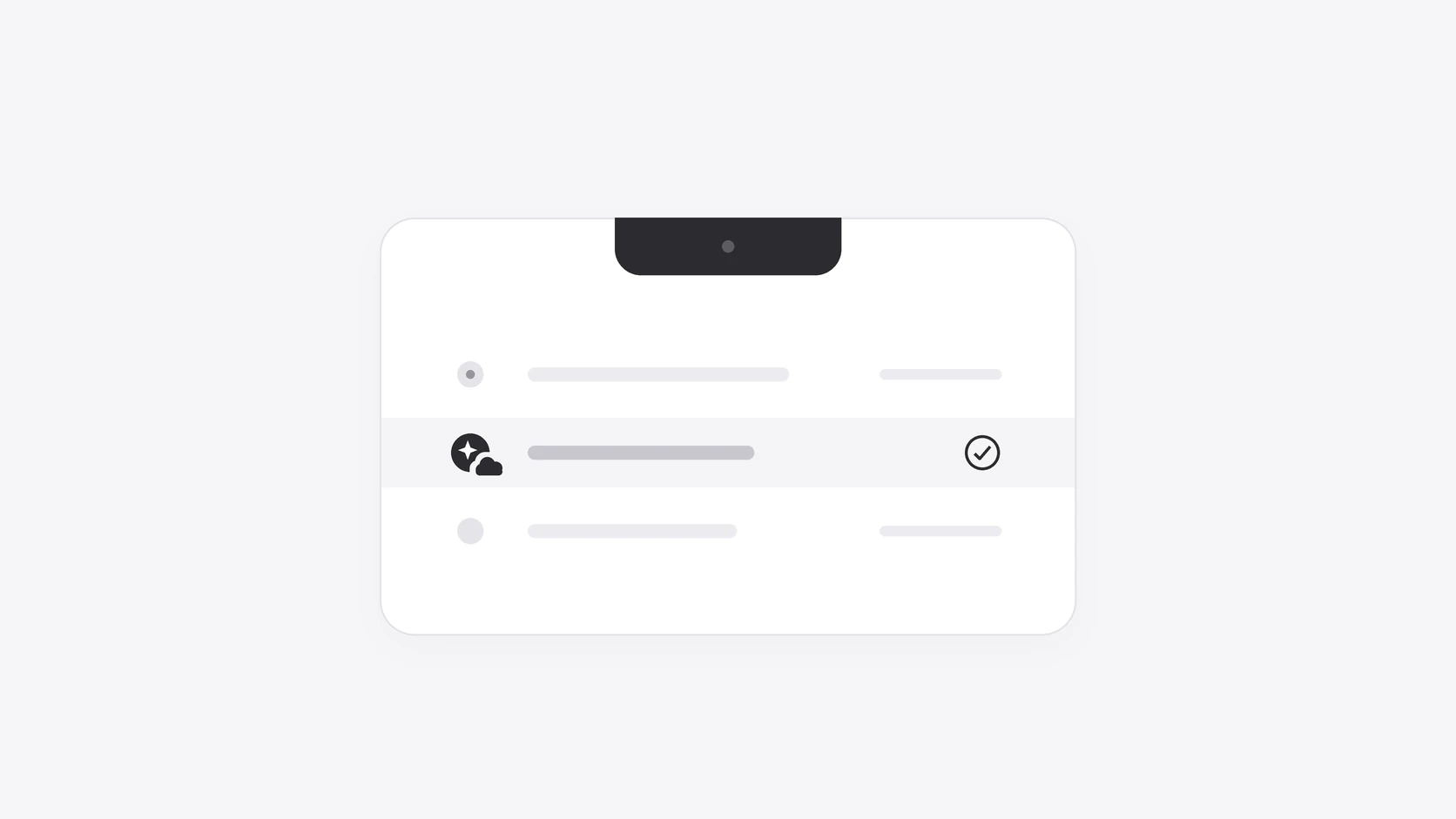
Agent Notch now shows Cursor Cloud Agents. Turn them on in Settings ▸ Panel ▸ Cloud agents. Agent Notch uses your Cursor login.
A cloud agent is a normal row under its project, with a small cloud on its icon. It shows as running, needs you, or finished, and the closed notch counts it like a local agent. When it needs you or finishes, you get the same sound and notification as always. Click it to open it in Cursor, or in the browser when Cursor is closed.
Goals that you set with /goal in Claude Code or Codex show in the row too. The row shows the goal, its progress, and why it stopped. You get a notification when the goal is met or needs you, not after each round.
The startup animation is new: the notch breathes out black light, then pulls in a drop of liquid. Notifications and approval buttons have square corners. Agents that you stop with Esc settle at once.
Update from Agent Notch's menu, or download Agent Notch. The release notes have the full list.